Paying for mobile top-ups with PayPal from Peru
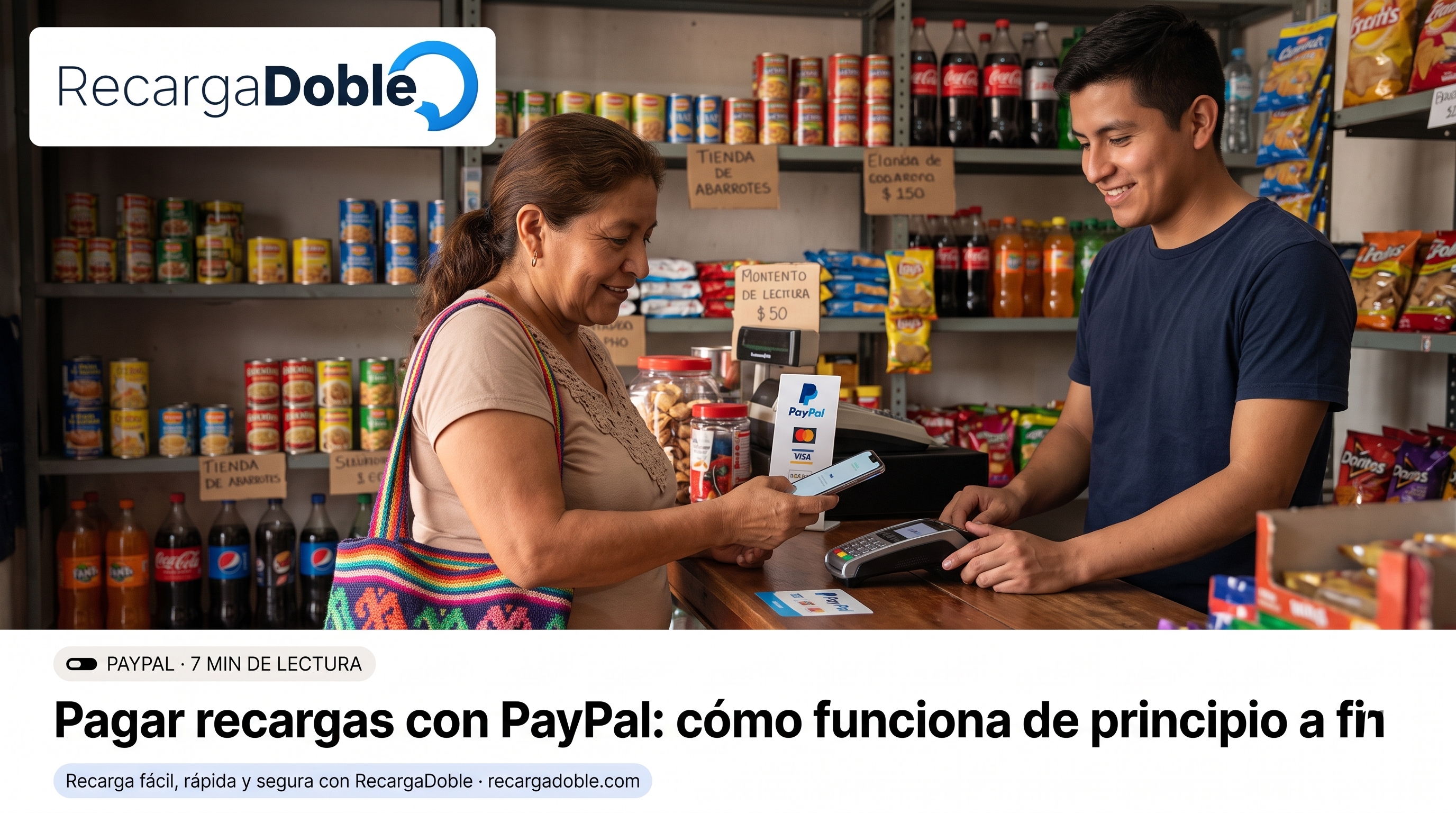
How paying with PayPal works from Peru: what you can use inside the account, who converts the currency and what happens if PayPal asks to verify the payer.
When PayPal is the right choice
The concrete advantage is that your card details stay inside PayPal: the store receives the payment confirmation, not the number. For a first purchase on a site, that separation is what makes the difference.
Peruvian prepaid cards and digital-wallet cards work too, as long as they are enabled for foreign merchants. Inside PayPal you can use balance, a saved card or a linked bank account, depending on what you have set up.
Peru hosts one of the largest Venezuelan communities on the continent, concentrated mostly in Lima. Topping up a Venezuelan line from Peru is an everyday operation for many families.
Currency conversion inside PayPal
If your account is in sol (PEN), PayPal applies its own exchange rate. In many cases PayPal lets you choose between its conversion and the one from the card you are paying with: those are two different rates, worth comparing before approving.
In Peru the PayPal account is usually kept in dollars, and anyone who also has a dollar card can pay with no conversion at all.
The order's dollar total does not change because of that. What changes is how much leaves your account, and that part is decided by the conversion you choose.
If PayPal asks to verify the payer
Sometimes PayPal needs an extra confirmation from the payer before treating the payment as settled. When that happens the order waits for that verification and the page says so in those words: it is not a review on our side nor a problem with the order.
The fix is in your PayPal email, not here: once you complete what PayPal asks, the payment settles and delivery continues. If the email does not arrive, check the notifications inside your PayPal account.
Final checklist before you send
Confirm the recipient number from a current source before paying. A saved contact can be outdated, copied with extra characters, or tied to a SIM the recipient no longer uses.
Review country and carrier together. A correct number with the wrong operator can fail or route incorrectly, especially when a family member has changed lines.
Choose the product for the recipient's next real need: flexible airtime for plan control, data when connectivity is the priority, and promotions only when the rules are clear.
Keep one checkout session open and wait for the final status before retrying. Multiple attempts can create duplicate payments or confusing pending states.
Save the receipt until the recipient confirms the balance or package. The transaction reference is the fastest path for support if the operator takes longer than expected.
Useful next steps
Article FAQs
Do I need a PayPal balance to pay?
No. You can pay with the card or bank account linked inside PayPal; the balance is just one of the options.
Is the order delivered as soon as I approve in PayPal?
Almost always. The order page checks the real payment state and shows the delivery in progress; if PayPal asks for an extra verification, that wait is shown separately.
Is it more expensive than paying by card?
The order total is shown before you confirm, with any fee already included. What can vary is the currency conversion PayPal applies compared with your bank's.
Can I use PayPal for a number in another country?
Yes. The payment method and the recipient's country are independent decisions: you pay from where you are and top up any number within the available catalogue.
About the author

Computer engineer and founder of RecargaDoble.com, writes about international mobile top-ups, mobile operators, telecommunications, and technology, combining his technical expertise with in-depth industry knowledge.
Related guides