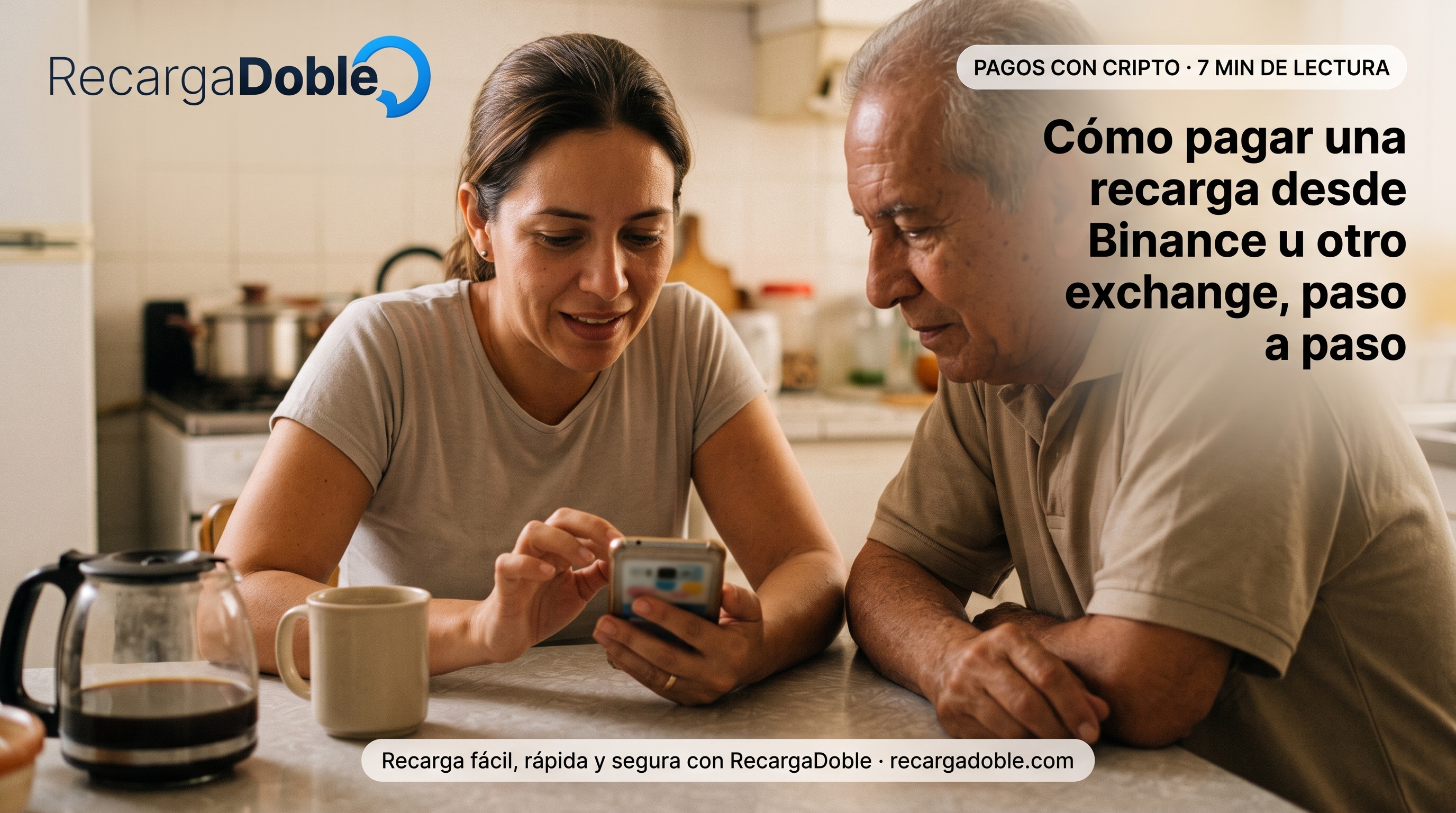
How to pay for a top-up from Binance or another exchange, step by step
The withdrawal explained without shortcuts: preparing the balance, copying address and network, understanding the withdrawal fee and confirming the exact amount arrives.
Before opening the order: have the balance ready
If you are going to buy USDT via P2P, do it first. Confirming the order reserves an exact amount for you and that reservation has a time window; entering it while the purchase is still running adds an unnecessary race.
Check too that the balance sits in the account you can withdraw from. On some platforms P2P or trading-account balances are not available for withdrawal until you move them to the main account.
Copying the address and choosing the network
The order page shows the address, the network and the amount. Copy the address with the button, never by hand: one changed character turns a payment into a transfer to nowhere.
On the withdrawal screen, select the same network the order shows before continuing. Many exchanges preselect the cheapest network or the last one you used, and that preselection is exactly what needs reviewing.
The withdrawal fee and the amount that arrives
Your exchange charges a withdrawal fee, and each platform treats it differently: some add it to what leaves your balance and others deduct it from what is sent. What matters for the order is only the amount arriving at the address.
Before confirming, look at the field stating how much the recipient will receive and compare it with the order amount. If they differ, adjust the quantity until they match: that minute avoids the incomplete-payment scenario.
The first time always asks for more steps
If this is your first withdrawal to that address, your exchange may ask you to add it to a whitelist, confirm by email and second factor, or wait out a security window after a recent password change.
None of that is an order problem, but it does consume time. If the order has an open window and you suspect your exchange will make you wait, sort out the authorisation first and create the order afterwards.
After confirming the withdrawal
The exchange gives you a transaction identifier once it sends it to the network. Keep it: together with the order reference, it is all support needs to locate your payment without asking for screenshots.
The order page updates itself when it detects the transfer and again when it is confirmed. You do not need to refresh it every minute or resend anything if it takes a while: a second send would be a second payment.
Final checklist before you send
Confirm the recipient number from a current source before paying. A saved contact can be outdated, copied with extra characters, or tied to a SIM the recipient no longer uses.
Review country and carrier together. A correct number with the wrong operator can fail or route incorrectly, especially when a family member has changed lines.
Choose the product for the recipient's next real need: flexible airtime for plan control, data when connectivity is the priority, and promotions only when the rules are clear.
Keep one checkout session open and wait for the final status before retrying. Multiple attempts can create duplicate payments or confusing pending states.
Save the receipt until the recipient confirms the balance or package. The transaction reference is the fastest path for support if the operator takes longer than expected.
Useful next steps
Article FAQs
Can I pay using my exchange's internal payment feature?
No. The payment is verified by reading the chain, so it has to be a real transfer to the order's address. An internal send between accounts on the same platform never appears on-chain and cannot be credited.
Does any exchange work?
Yes, as long as it allows withdrawing USDT or USDC to an external address on one of the accepted networks. A self-custody wallet works too, which is the same thing with fewer intermediaries.
What if the withdrawal stays pending?
Wait for your exchange to broadcast it and do not create another order meanwhile. A late payment is credited anyway: once the transfer is seen, the order stops being subject to the timer.
Can I pay two orders with a single transfer?
No. Each order has its exact amount and that is how your payment is told apart from someone else's. A single transfer for the sum of two orders matches neither and ends up in manual review.
About the author

Computer engineer and founder of RecargaDoble.com, writes about international mobile top-ups, mobile operators, telecommunications, and technology, combining his technical expertise with in-depth industry knowledge.
Related guides